
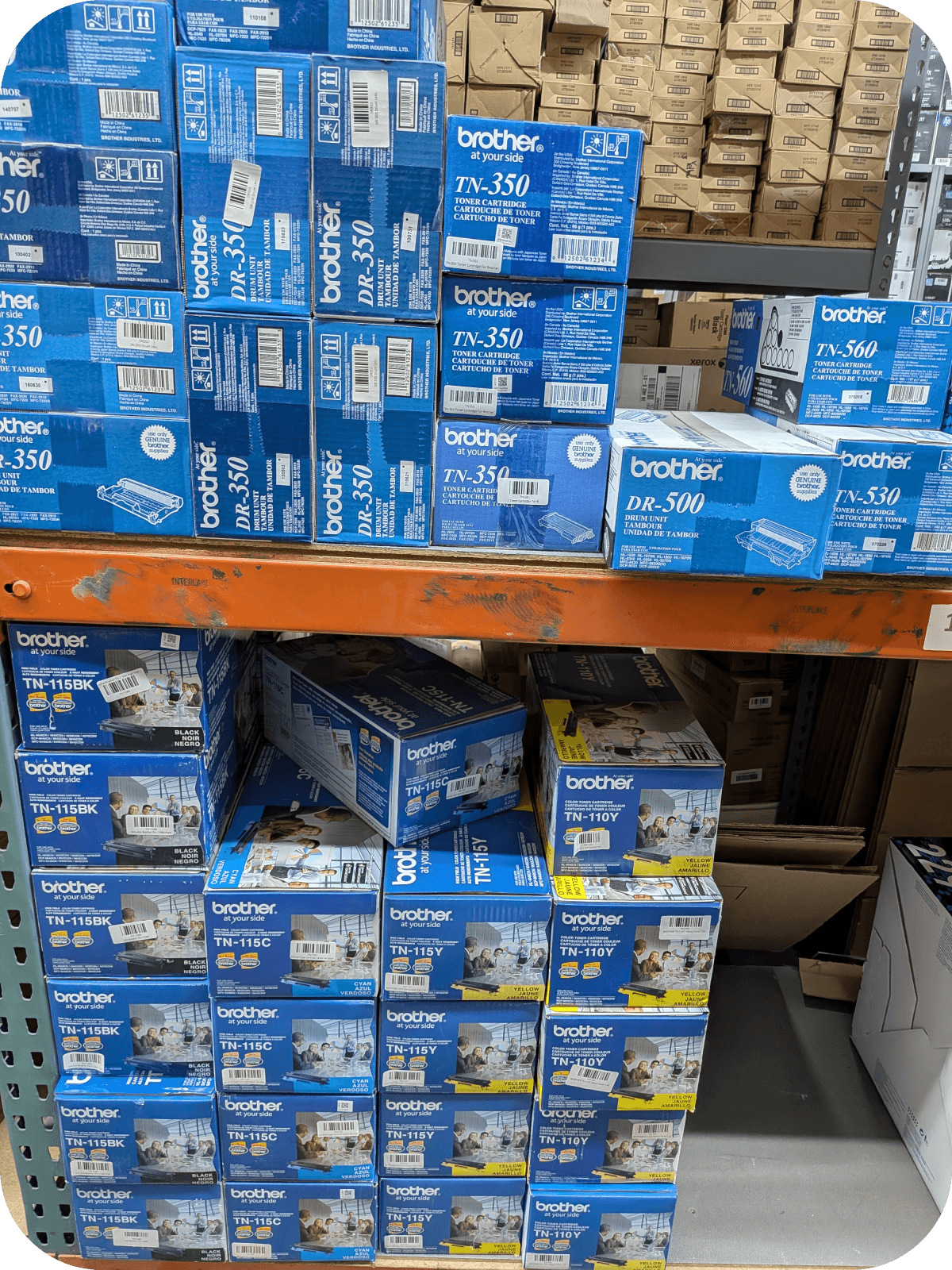
Brother Printer Says Low Toner Too Early? Here’s Why It Stops Printing
A Brother printer can show Toner Low before the cartridge is physically empty because many models use an estimated toner-life threshold rather than waiting until every bit of toner is gone. Some supported models may have roughly 30% of estimated cartridge life remaining when the warning first appears.
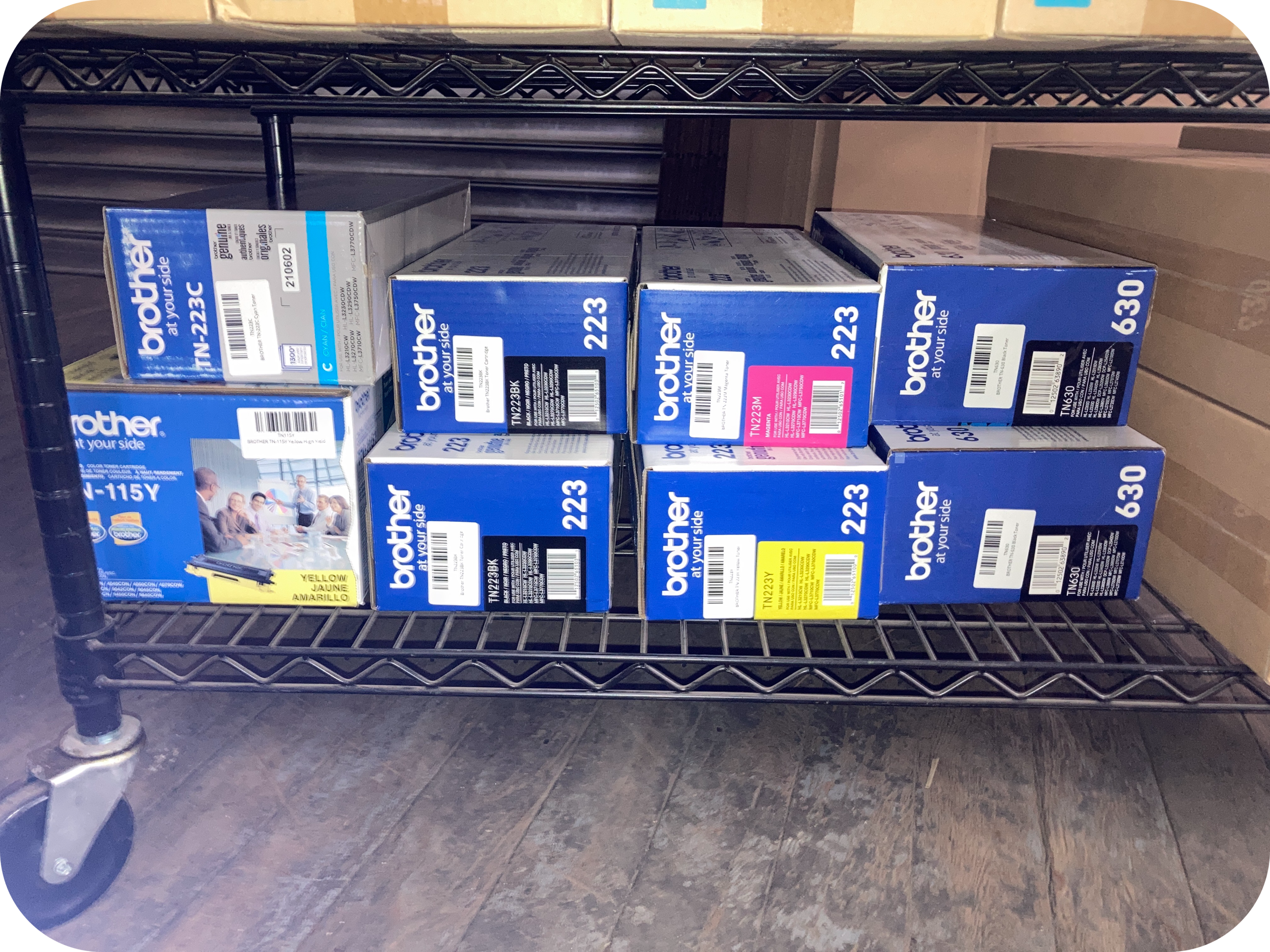
Why Does a Brother Printer Say Toner Low Too Early?
A Brother printer can display Toner Low while usable toner remains because the warning is designed to tell you the cartridge is approaching its expected end of life.
Brother documents certain models where Toner Low appears at approximately 30% of estimated cartridge life remaining. Brother also recommends continuing to use those cartridges while print quality remains acceptable.
This distinction is important.
Toner Low does not necessarily mean empty.
Think of the warning as an early reminder to have a replacement ready.
Does Toner Low Mean Your Brother Printer Is Out of Toner?
No, Toner Low generally means toner is getting low rather than completely exhausted.
Brother separates toner status into several stages on supported machines. Continue Mode documentation, for example, distinguishes Toner Low, Replace Toner, and Toner Ended.
Simple definitions:
- Toner Low: The cartridge is approaching its estimated end of life.
- Replace Toner: The normal replacement threshold has been reached.
- Toner Ended: The maximum operational life has been reached on applicable models.
- Continue Mode: A supported setting that can permit printing after Replace Toner.
- Page yield: An estimated cartridge output under defined testing conditions.
The wording can differ between Brother printer families.
Does a Brother Printer Know Exactly How Much Toner Is Left?
No, Brother’s published guidance treats cartridge life as an estimate influenced by how the printer is used.
Brother says toner yield can vary according to paper size, pages per print job, the amount printed on each page, font size, graphics, and other content.
This means two identical cartridges can reach their warning points after different real-world workloads.
A page with a few lines of text does not use toner at the same rate as a graphics-heavy report.
Do Some Brother Printers Really Warn You With About 30% Toner Life Remaining?
Yes, Brother documents approximately 30% estimated life remaining at Toner Low for certain printer models.
Brother’s support guidance for models including the HL-L2380DW, MFC-L2720DW, and MFC-L2740DW says Toner Low can appear when approximately 30% of the cartridge’s estimated print life remains.
Brother gives the same approximate threshold for models in the HL-L2325DW, HL-L2350DW, HL-L2370DW, and related family.
Do not apply the 30% figure universally.
Brother printer designs and toner-monitoring methods vary by model.
Why Can a Brother Printer Stop Printing Before the Cartridge Seems Empty?
A Brother printer can stop because it has reached its programmed replacement threshold even though some usable toner may remain.
Brother’s Continue Mode documentation shows that supported machines can sometimes keep printing after Replace Toner appears.
Brother also warns that print quality is no longer guaranteed when printing beyond the cartridge’s estimated life.
The printer is therefore not necessarily saying that there are literally zero toner particles remaining.
It is saying the normal cartridge-life threshold has been reached.
Does Every Brother Printer Use an Optical Toner Sensor?
No, you should not assume every Brother printer uses the same toner-detection technology.
Brother’s own support documentation shows different mechanisms across product families.
For certain monochrome models, Brother states that genuine toner cartridges contain a reset lever that moves when a new cartridge is installed and automatically resets the toner usage indicator.
Other Brother documentation focuses on estimated cartridge life and Continue Mode rather than describing one universal sensor design.
For SEO accuracy, it is better to say Brother toner monitoring varies by model rather than claiming all Brother printers rely on optical detection.
What Is Brother Continue Mode and Can It Keep the Printer Running?
Continue Mode allows supported Brother printers to continue printing after the normal Replace Toner point.
Brother says Continue Mode forces supported machines to keep printing after the Replace Toner message appears.
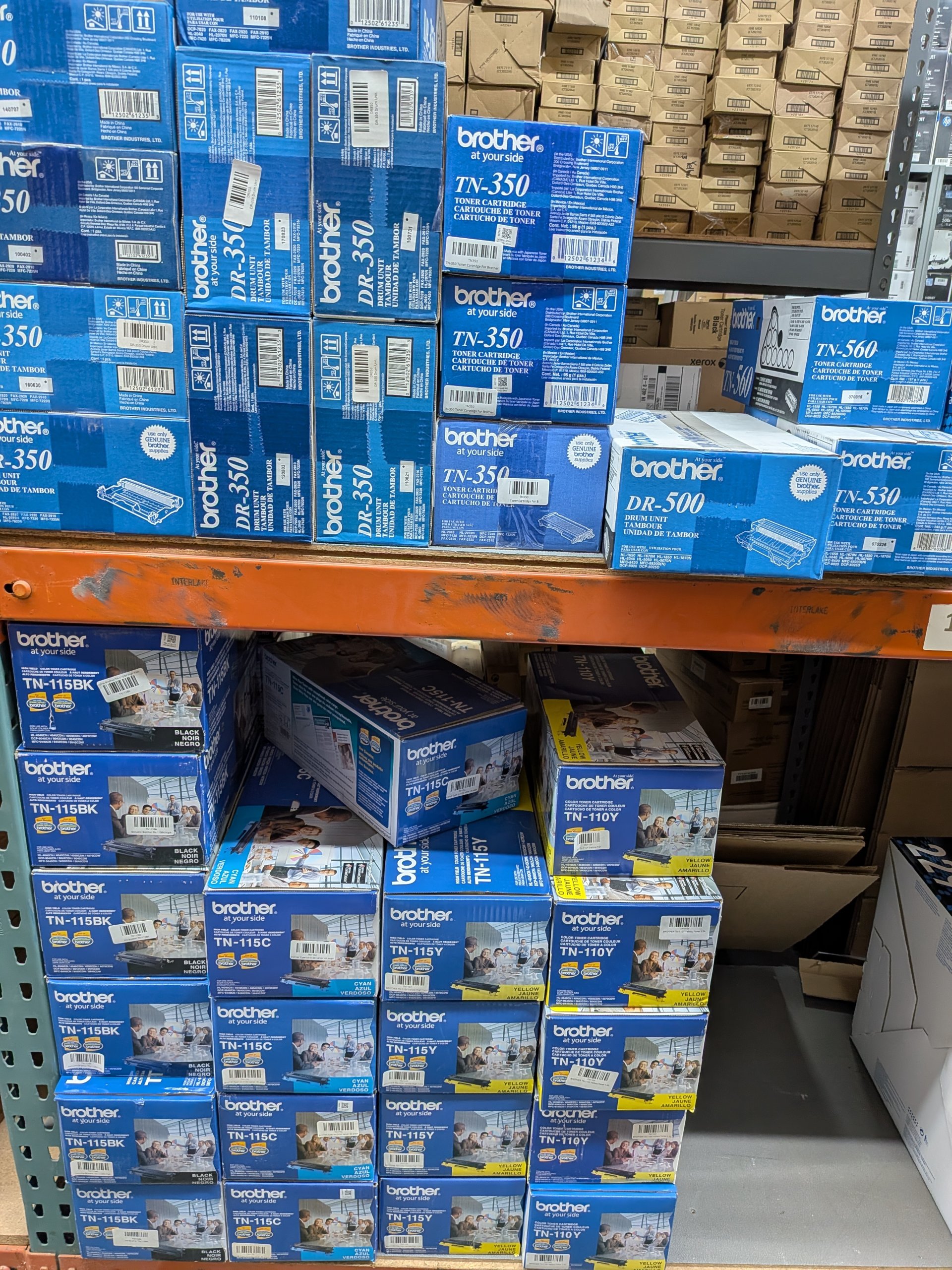
The printer may continue displaying:
- Toner Low
- Replace Toner
- Toner Ended
Brother warns that print quality may deteriorate beyond the cartridge’s rated life.
Continue Mode should therefore be viewed as a temporary extension rather than a permanent fix.
Does Continue Mode Work on Every Brother Printer?
No, Continue Mode is model-specific and the activation steps differ between Brother printers.
For some older HL-series printers, Brother instructs users to press Go seven times to enable Continue Mode.
For other models, Brother uses a menu path such as General Setup → Replace Toner → Continue.
Do not copy a reset sequence from a different Brother printer.
Search Brother support using your exact model first.
Why Does Brother Toner Yield Differ Between Home and Office Users?
Toner yield varies because homes and offices often print different types and volumes of documents.
Brother says toner consumption changes with page coverage, graphics, font size, paper size, and job size.
For one Brother cartridge family, Brother lists:
- Starter toner: approximately 700 pages
- TN730 standard toner: approximately 1,200 pages
- TN760 high-yield toner: approximately 3,000 pages
Those TN730 and TN760 figures are stated in accordance with ISO/IEC 19752.
Actual printing can differ from the rated yield.
What Should Home Users Do When a Brother Printer Shows Toner Low?
Home users can usually continue printing while quality remains acceptable and the printer still permits printing.
Brother recommends continuing to use applicable cartridges after Toner Low if the pages still look good.
For a home office, a sensible process is:
- Keep printing.
- Watch for fading.
- Purchase the correct replacement.
- Keep it sealed until needed.
- Replace the toner when the printer requires it or print quality becomes unacceptable.
This avoids replacing toner simply because the first warning appears.
What Should Busy Offices Do When a Brother Printer Says Toner Low?
Busy offices should treat Toner Low as a supply-planning warning rather than an immediate replacement command.
A shipping department or accounting team may not want to wait until the printer refuses a job.
Brother’s documentation shows that cartridges can continue working after the initial warning on supported models.
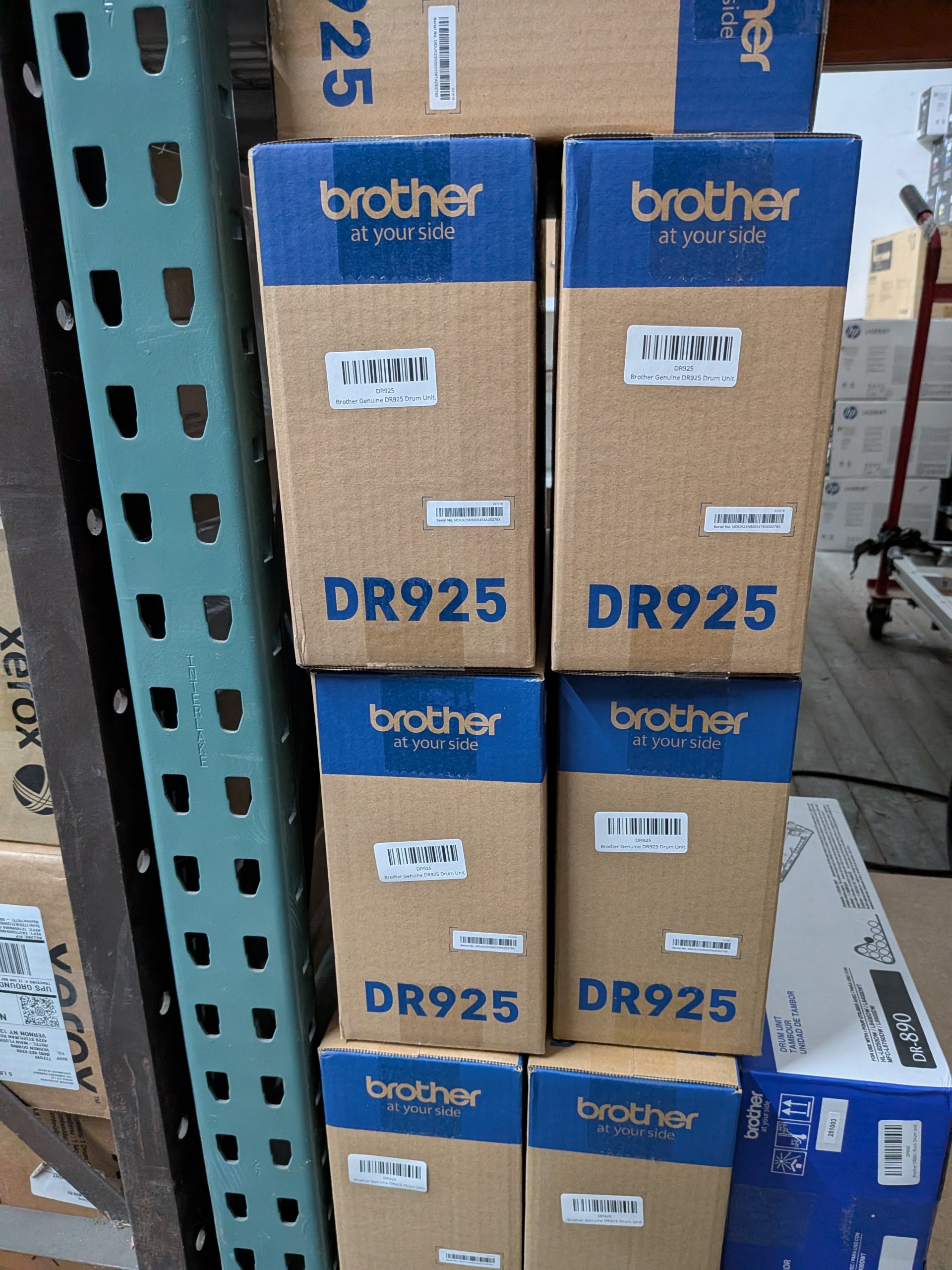
A practical office procedure is:
Toner Low → confirm replacement stock → continue printing → monitor quality → replace when needed.
This balances cartridge use with operational reliability.
What Should Schools and IT Teams Do With Multiple Brother Printers?
Schools and IT departments should track toner by exact Brother printer model because cartridge yields and warning behavior can differ.
One Brother printer may use Continue Mode differently from another.
IT teams should maintain a simple inventory:
Printer model | Toner SKU | Standard/high yield | Spare quantity | Continue Mode supported?
Brother’s own support pages are highly model-specific.
That makes model-based inventory more reliable than treating all Brother toner as interchangeable.
Why Does Toner Low Stay After Installing a New Brother Cartridge?
The warning can remain when the cartridge is not seated correctly or when the printer has not properly recognized the replacement.
Brother advises users of some monochrome models to remove the toner-and-drum assembly and reinstall the toner until it clicks securely into place.
Brother also documents certain printers where a new cartridge’s reset lever triggers the toner-status reset.
Check:
- Exact toner SKU
- Cartridge installation
- Drum-and-toner connection
- Protective packaging
- Exact display message
If the official model-specific procedure fails, use Brother support rather than repeatedly resetting the printer.
Can a Used Brother Toner Cartridge Fail to Clear the Warning?
Yes, Brother documents certain models where installing a previously used cartridge will not properly reset the toner warning.
For supported TN630/TN660 machines, Brother says the reset lever in a new cartridge automatically triggers the toner usage indicator. A used cartridge may not perform that reset correctly.
Similar guidance exists for TN730/TN760 models.
This explains why moving a partly used toner cartridge from another printer may not behave like installing a brand-new cartridge.
Should You Shake the Brother Toner Cartridge When the Warning Appears?
Only gently redistribute toner if Brother’s instructions for your exact model recommend doing so.
Brother documents gentle side-to-side rocking as part of troubleshooting or installation for certain models.
Redistribution can help make remaining toner more evenly available.
It does not reset the cartridge’s estimated life.
It also does not add toner to the cartridge.
When Should You Actually Replace the Brother Toner?
Replace the toner when print quality becomes unacceptable, the printer reaches its final supported toner state, or your workflow requires guaranteed output quality.
Brother warns that printing beyond rated cartridge life through Continue Mode can produce poor print quality.
Common replacement signs include:
- Consistently faded pages
- Toner Ended
- Repeated poor output
- Printer refusing to continue
- Mission-critical printing requiring predictable quality
A Toner Low warning by itself is not necessarily one of those conditions.
What Should You Do With Unused Brother Toner After Replacing Printers?
Factory-sealed Brother toner left after a printer upgrade should be inventoried before it is discarded or recycled.
Unused toner can remain valuable inventory if it is still compatible with another printer.
Toner Connect’s September 2026 surplus-toner guide recommends recording model numbers, quantities, OEM status, factory seals, and packaging condition.
Toner Connect also publishes a guide specifically addressing unused Brother toner cartridges.
For qualifying unopened OEM toner, Toner Connect provides a nationwide U.S. buyback option.
What 2026 Brother Printer Facts Are Useful to Know?
Current Brother support information shows that toner warnings are estimates and that supported printers can sometimes print beyond the normal replacement point.
Useful facts include:
- Some Brother models display Toner Low with approximately 30% of estimated cartridge life remaining.
- The TN730 is rated at approximately 1,200 pages for the applicable models.
- The TN760 is rated at approximately 3,000 pages for those models.
- Continue Mode allows supported Brother printers to operate beyond Replace Toner.
These numbers apply only to the products Brother identifies.
They are not universal specifications for every Brother printer.
What Questions Do Brother Printer Owners Commonly Ask?
Brother printer owners most often ask whether toner remains, whether they can keep printing, and why replacement warnings persist.
Does a Brother Printer Stop Exactly When Toner Reaches Zero?
No, the normal stopping point can be based on estimated cartridge life rather than a literal zero-toner measurement.
Brother’s Continue Mode proves that supported printers can sometimes continue after the normal Replace Toner threshold.
Can You Keep Printing After Replace Toner?
Yes, on Brother printers that support Continue Mode.
Brother warns that print quality cannot be guaranteed during extended operation.
Does Toner Low Always Mean 30% Remains?
No, approximately 30% is documented for particular Brother models rather than every Brother printer.
Brother’s support information lists that figure only for covered printer families.
Why Does a New Cartridge Still Say Toner Low?
Installation, reset mechanisms, or cartridge recognition can keep the warning active after replacement.
Brother provides different troubleshooting procedures depending on the printer model.
What Is the Main Thing to Remember About a Brother Printer and Low Toner?
A Brother printer can warn or stop based on estimated cartridge life before every bit of toner is physically gone.
Some Brother models may show Toner Low around 30% of estimated cartridge life remaining. Others support Continue Mode beyond the normal Replace Toner threshold.
The best approach is model-specific: read the exact message, check Brother’s support page for your printer, continue while print quality remains acceptable when permitted, and keep a replacement cartridge ready.
If a printer upgrade leaves your office with unopened Brother toner you no longer need, keep those cartridges sealed. Qualifying surplus OEM cartridges may also be evaluated through Toner Connect rather than being treated as used toner.